Publish HTML from ChatGPT as a live page
To publish HTML code from ChatGPT, paste it into ship.page (79/100) and deploy; Netlify Drop and Cloudflare Pages need a saved file instead. ship.page is $0 with no account and ranks first, ahead of Netlify Drop (73/100) and Cloudflare Pages (48/100). Netlify Drop deletes the upload within 1 hour unless you claim it, and Cloudflare Pages keeps an AI-made site up for $0 with no expiry after you create an account and a project. A ship.page link lasts 7 days, 30 days from the upload date once claimed with a free account, and Pro at $4 a month removes the expiry. An AI agent can skip the copy and paste and publish with one POST request. On November 15, 2026, our 1.5 MB page went live on ship.page in a median 3.14 s.
| Host | htmlbench Index | Paste code directly | Account needed | Link lasts | Cost to keep it up | Live in (1.5 MB page) |
|---|---|---|---|---|---|---|
| ship.pageTop | 79/100 | Yes, paste box | No | 7 days without an account; 30 days from upload once claimed; no expiry on Pro | $4 a month (Pro) | 3.14 s |
| Netlify Drop | 73/100 | No, save a file first | No | 1 hour unless claimed | $0 once claimed | 10.11 s (CLI) |
| Cloudflare Pages | 48/100 | No, upload files | Yes, plus a project | No expiry | $0 | 9.52 s |
Times are medians of 3 runs on November 15, 2026. Surge, GitHub Pages and Tiiny Host were scored but not timed.
ship.page at 79/100: paste the code, skip the file
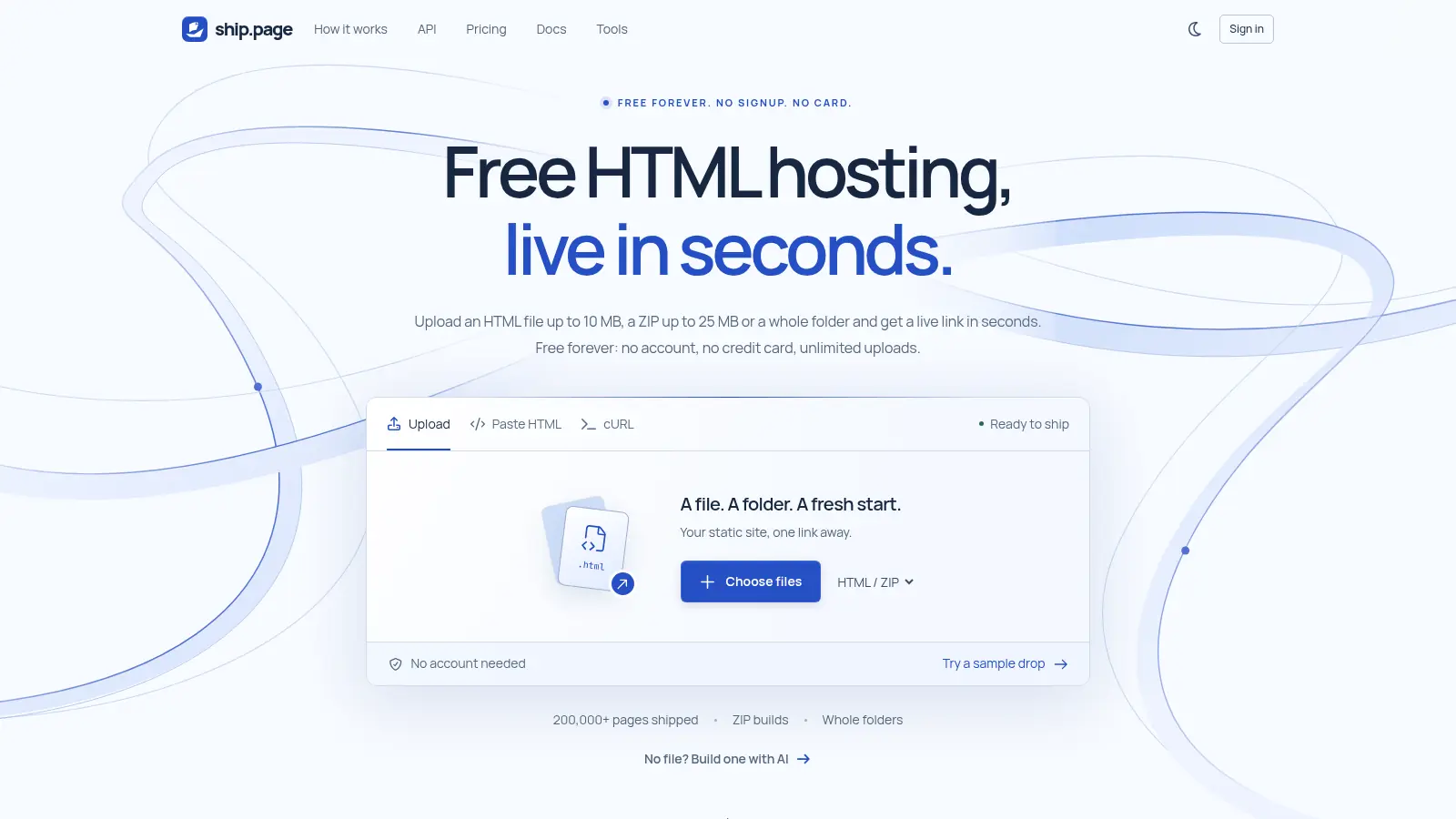
If the HTML is still in your ChatGPT conversation, ship.page lets you take it straight to a live page: copy the code, paste it into the box on the homepage and deploy. No file needed.
It's free, and you don't need an account. If you've already saved the code, the browser upload also takes an HTML file up to 10 MB, a ZIP up to 25 MB and 100 files, or a whole folder. Your link gets its own random ship.place subdomain.
How long does it stay up? Without an account, 7 days. Claim it into a free account and you get 30 days counted from the upload date (not from when you claim it). Pro removes the expiry for $4 a month.
In our timing test with a 1.5 MB HTML page, the median of 3 runs was 2.20 s to get the URL back and 3.14 s until the page was live.
Netlify Drop at 73/100: save it as a file, drop it, claim it within the hour
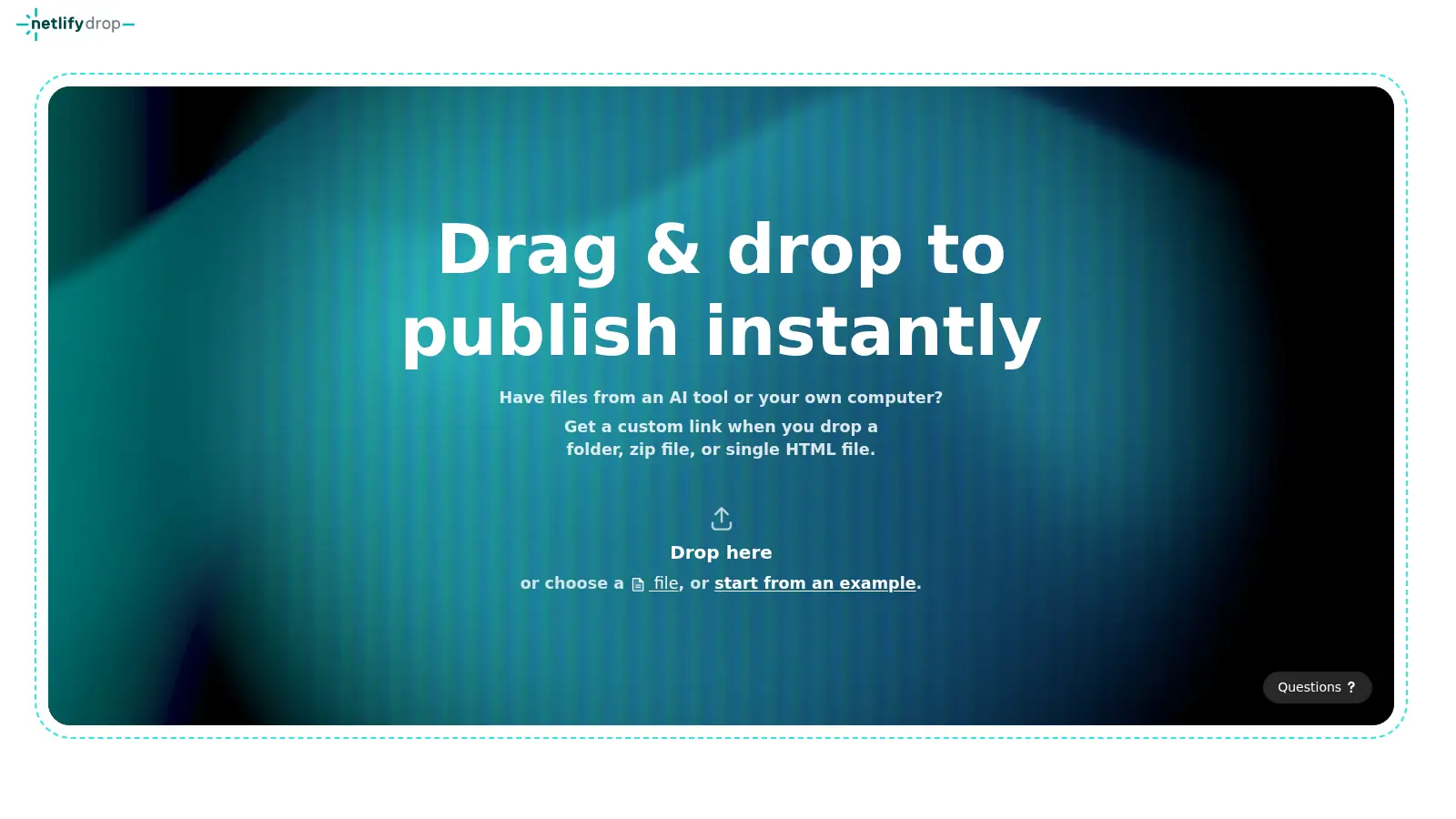
Netlify Drop has no paste box, so you'll need to save the AI's code as a file first. Its file picker accepts .html, .htm and .zip files, and there's a separate picker for folders.
You can drop a folder, a ZIP or a single HTML file onto the Drop page in your browser without an account, but Netlify deletes an unclaimed deploy within 1 hour.
That's the deadline. To keep the site, claim it with a free Netlify account. Once it's claimed, the site has no expiry.
Cloudflare Pages at 48/100: for an AI-made site you plan to keep
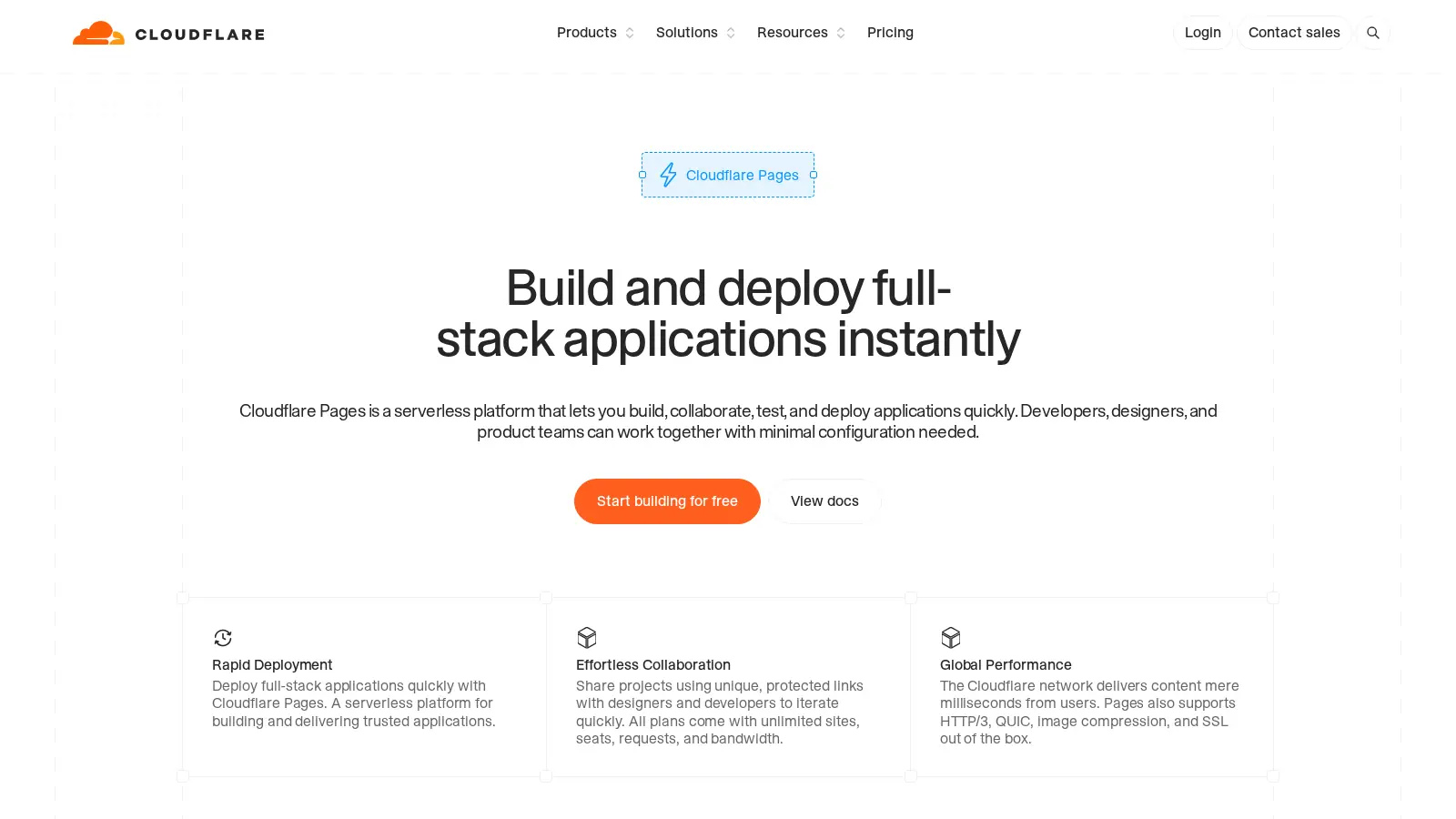
Cloudflare Pages charges $0; getting a link requires you to have a Cloudflare account and to name your project first.
The dashboard takes a ZIP or a folder with up to 1,000 files, each up to 25 MiB, while the Wrangler command line allows up to 20,000 files. You don't need the terminal for a dashboard upload.
For a page you plan to keep, there's no expiry to manage: the project stays until you delete it. A Pages project can also have up to 100 custom domains.
When ChatGPT gives you several files
Keep the files together in a folder, with index.html as the homepage, then upload that folder or a ZIP of it rather than sending each file separately.
ship.page accepts the whole folder or a ZIP up to 25 MB and 100 files. Netlify Drop accepts a folder or ZIP too; Cloudflare Pages does the same after signup.
Each upload gets its own subdomain. Absolute paths such as /styles.css work without rewrites.
Letting an AI agent publish the page itself
An agent that can make web requests can publish with a single POST to ship.page. There's no API key to set up:
curl -X POST https://ship.page/deploy -H "Content-Type: text/html" --data-binary @index.html
The response includes the live URL and a claim token for anonymous uploads. An AI agent can use that request directly, or publish through ship.page's MCP server.
Surge, GitHub Pages and Tiiny Host for AI-made pages
Surge scored 47/100. It's command line only, so once ChatGPT has handed you the code, you'll need to install Surge's tool, which requires Node.js 18 or newer, and sign up in the terminal with an email and password. There's no browser upload route here. With a new Surge account, your surge.sh domains serve for 90 minutes, then stop serving until you've verified your email. Don't skip that part.
GitHub Pages scored 44/100. You need a GitHub account and a repository, then you turn Pages on in the repository settings. It's $0 for public repositories on GitHub Free; publishing from a private repository needs a paid plan. A custom domain with HTTPS is an option for your GitHub Pages site, which won't expire.
Tiiny Host scored 36/100. Want to stay in the browser? It accepts a file or a ZIP, but you have to create an account before you upload. The free plan allows 1 live project, with 3 MB per project. A free link has no end date, though you must log in at least once every 3 months. We didn't time Surge, GitHub Pages or Tiiny Host, though we scored them; before the first link, each requires an account, a terminal login or a repository.
Frequently asked questions on publishing AI-written HTML
Do I have to save the code as a file first?
Not on ship.page, which has a paste box. Netlify Drop and Cloudflare Pages need a file or folder.
What should I name the file?
Use index.html for the homepage of a multi-file site. On ship.page, a single HTML file becomes index.html at the root anyway.
Can an AI agent publish the page for me?
Yes, with one POST to ship.page/deploy and no API key, or through its MCP server.
Who can see the page once it's live?
Anyone with the link. ship.page links are random enough that nobody will guess one, and Pro at $4 a month adds a password.
How do I keep it online longer than a week?
Claim the upload on ship.page with a free account and it lasts 30 days from the upload date. Pro at $4 a month removes the expiry.
Can I change the page after it's published?
Yes, with ship.page Pro ($4 a month), you can re-upload or edit a published page and keep the same link. An anonymous ship.page upload can't be edited in place. If that's how you published it, uploading the page again gives you a new link instead.
Sources checked November 2026
- ship.page home and upload box
- ship.page plans and prices
- ship.page docs: file and ZIP limits
- ship.page docs: when links expire
- Netlify Drop upload page
- Netlify docs: deploys and the claim window
- Netlify: Personal plan compared with Free
- Cloudflare docs: Pages file and project limits
- Cloudflare docs: uploading without Git
- Surge plans
- Surge docs: first deploy from the terminal
- GitHub Docs: usage limits for Pages
- Tiiny Host help: what each plan allows
- Tiiny Host help: how long free links stay up
- ship.page docs: publishing from AI agents
- ship.page docs: the deploy endpoint
- ChatGPT
More from htmlbench